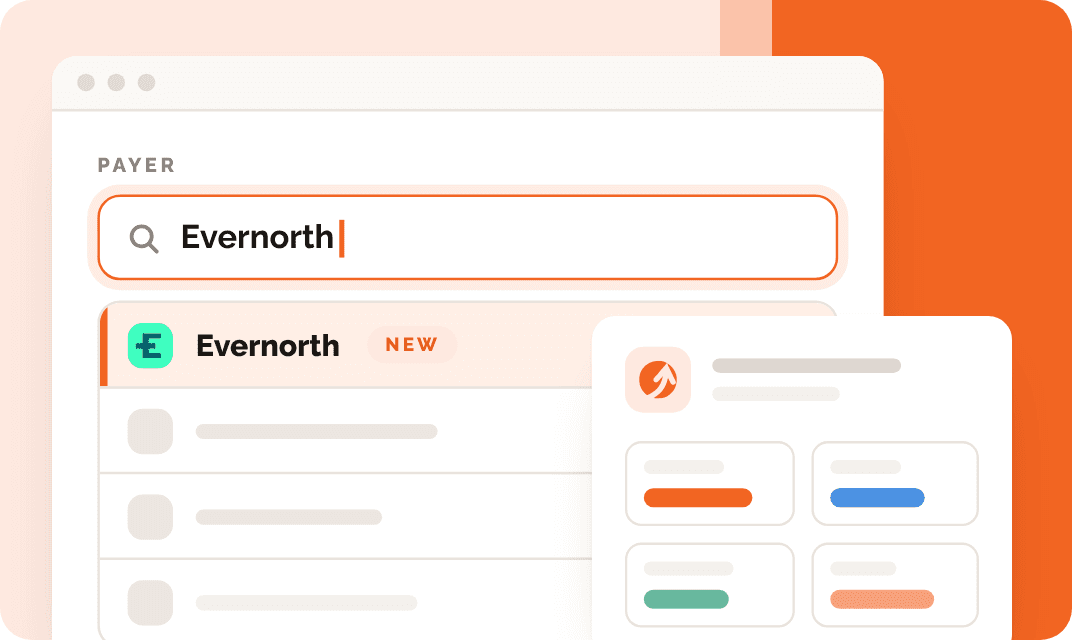
Coverage Discovery now shows every policy a patient has
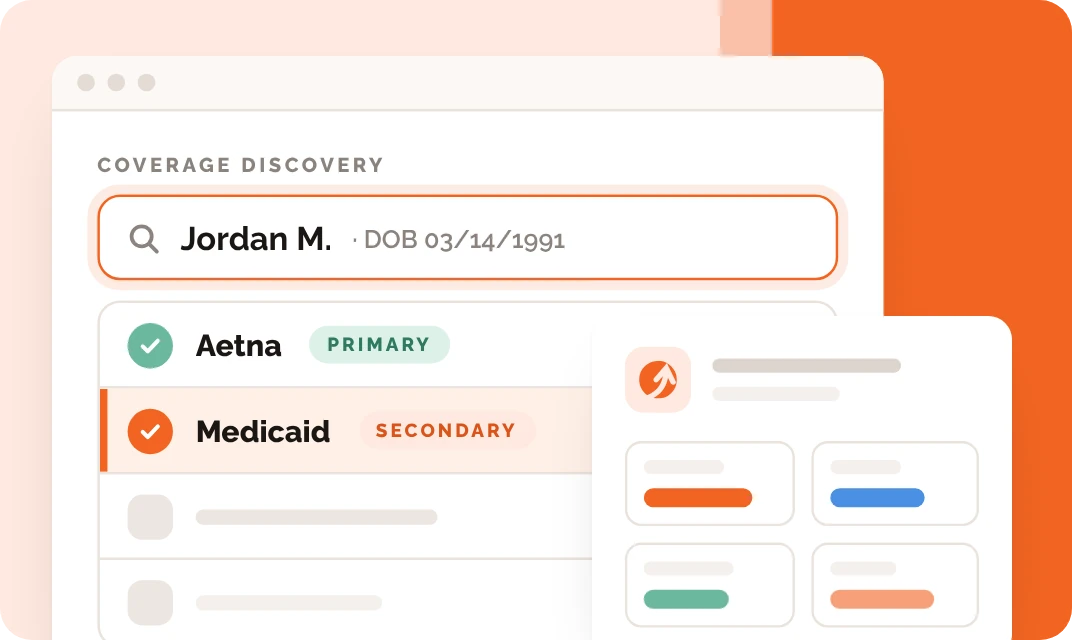
Every matching policy now comes back on the result, primary and secondary, across commercial plans, Medicare and Medicaid.
- Feature
- Coverage Discovery
- Covers
- Commercial, Medicare, Medicaid
- Plans shown
- Primary, secondary
- Re-run cost
- 1 Discovery credit
Coverage Discovery finds a patient’s primary and secondary coverage from a name, date of birth and state, across commercial plans, Medicare and Medicaid. With this update, every policy it finds now comes back on the result.
Before, when a search matched more than one policy, some of that coverage could be left off, most often Medicare or Medicaid. If your team marked anyone as self-pay or single-coverage after a Discovery search, it’s worth running them again.
What changed
When a search matched several policies, some coverage could be left off, most often Medicare or Medicaid.
Every matching policy shows on the result, each with its own payer, member ID and coverage status.
A patient with a commercial plan and Medicaid shows both. So does a dual-eligible patient with Medicare and Medicaid. From there you can set which plan is primary, secondary or tertiary, and start a verification on each one.
Why it matters at admissions
Most people calling about treatment don’t have their card in front of them, and you can’t run a full verification without a member ID. When Discovery returns it, one click starts a VOB with the patient’s details and payer already filled in, so you get to full benefits while they’re still on the phone.
Seeing the secondary plan up front matters too. It’s the difference between a claim that pays and one that comes back for coordination of benefits weeks later. And a policy that never showed up could mean someone with real coverage got treated as self-pay.
Re-run the patients you marked self-pay
- Open Insurance Discovery and look for past searches that came back Not Found or with a single plan, especially for patients you expected to have more coverage.
- Open the record and click Re-Discover.
- For each policy that comes back, click VOB to pull full benefits with the details filled in.
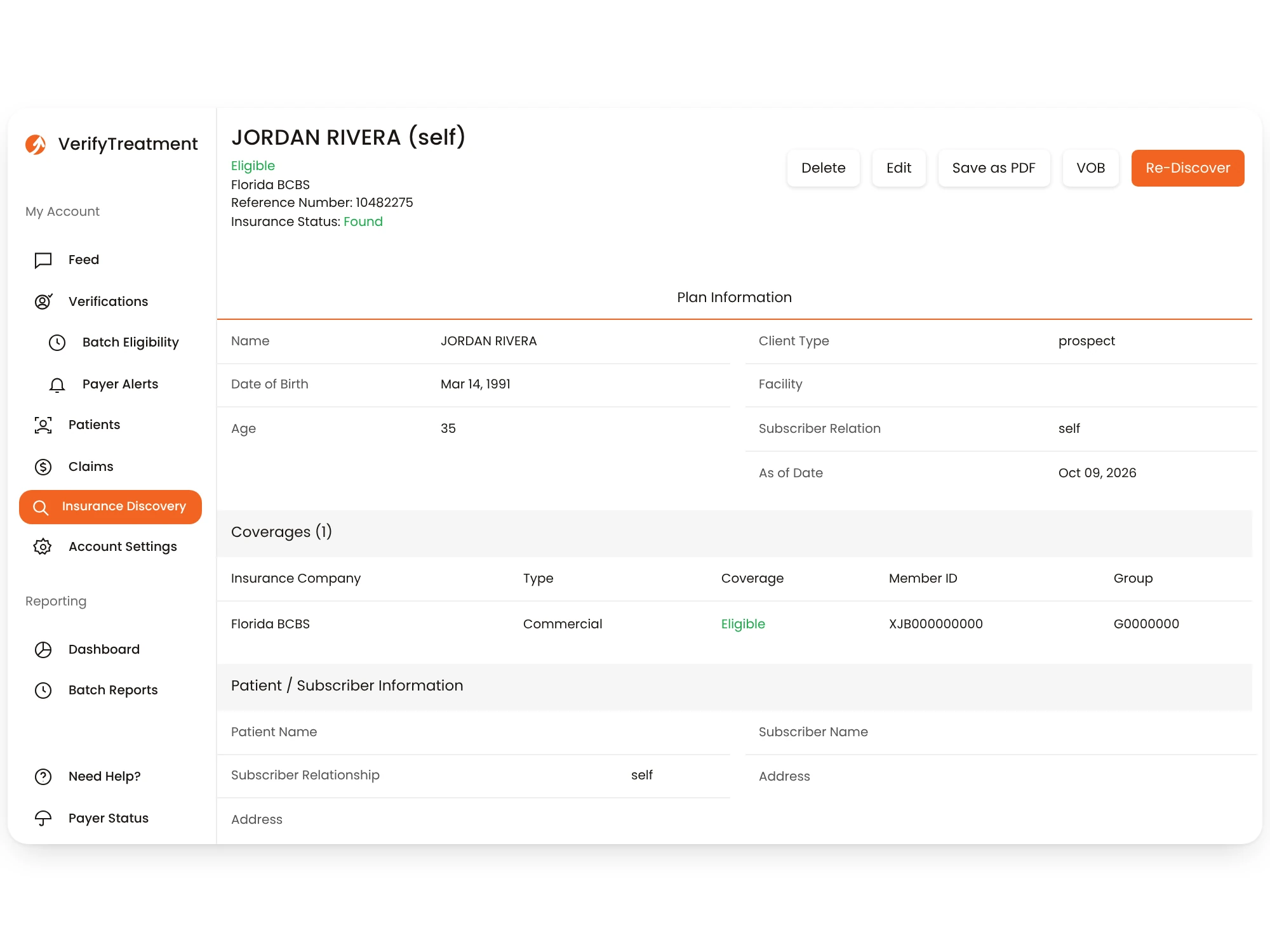
Each search, including a re-run, uses one Discovery credit whether or not coverage is found. Start with the patients you most expected to have coverage.
Get more hits, especially on Medicare and Medicaid
Discovery needs a first name, last name, date of birth and state. A few more details improve results, and they make the biggest difference on government payers:
- Social Security number, full or last four
- ZIP code or full street address
- Phone number
- Gender
If your intake form doesn’t ask for these yet, adding them helps every search your team runs.
Some state Medicaid programs also need a one-time setup on your account. California (Medi-Cal) needs your facility’s Medi-Cal PIN and NPI, and New York and Massachusetts have similar steps. Email support@verifytx.com and we’ll get it configured.
Learn more
New to Coverage Discovery? See how it works on our insurance discovery software page.
Ready to stop guessing your revenue?
See how top teams verify coverage in seconds, reduce denials, and make confident decisions before admission.